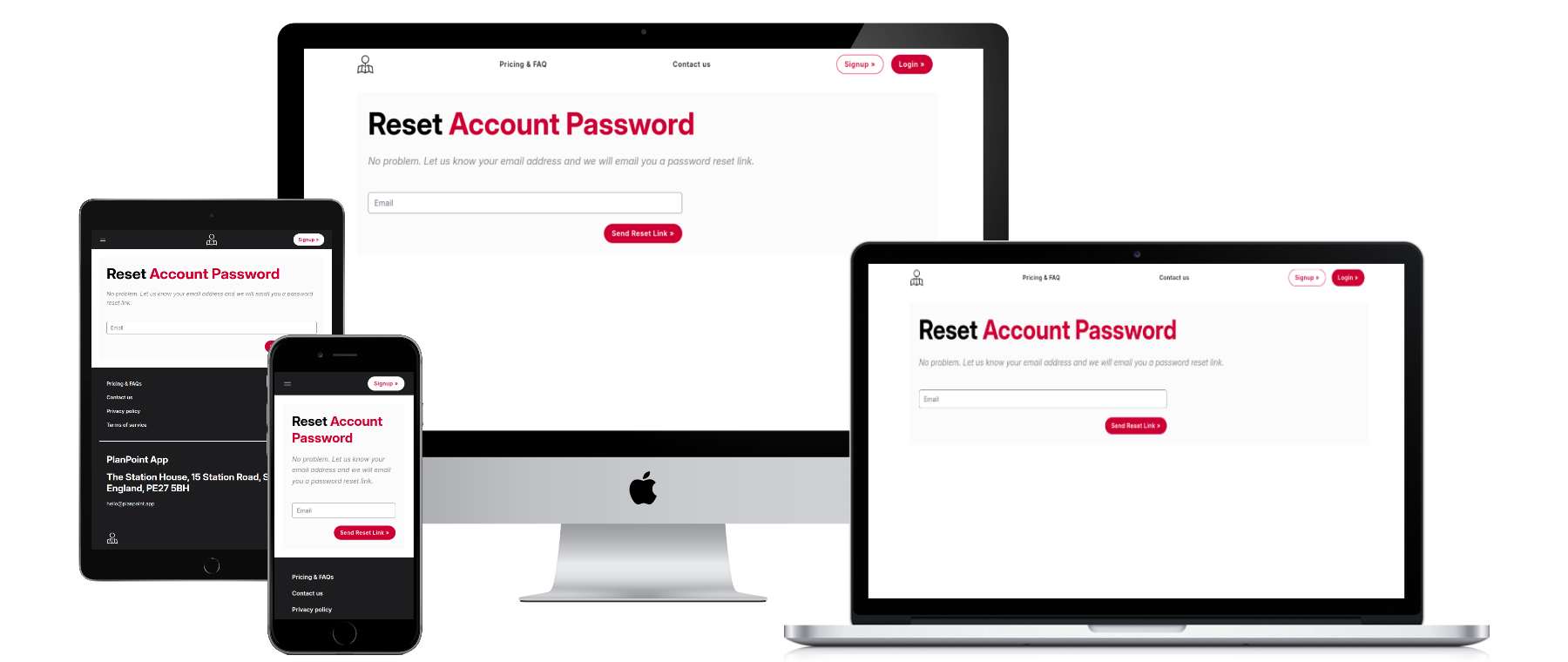
You can reset your password by visiting: https://cloud.planpoint.app/forgot-password
- Enter your email address that is linked to your PlanPoint account
- You will receive an email with a link to reset your password (you have 60 minutes to do this before the link expires)
- Create a new password
- Login to PlanPoint at https://cloud.planpoint.app/login or on the PlanPoint mobile app
Was this article helpful?
That’s Great!
Thank you for your feedback
Sorry! We couldn't be helpful
Thank you for your feedback
Feedback sent
We appreciate your effort and will try to fix the article